
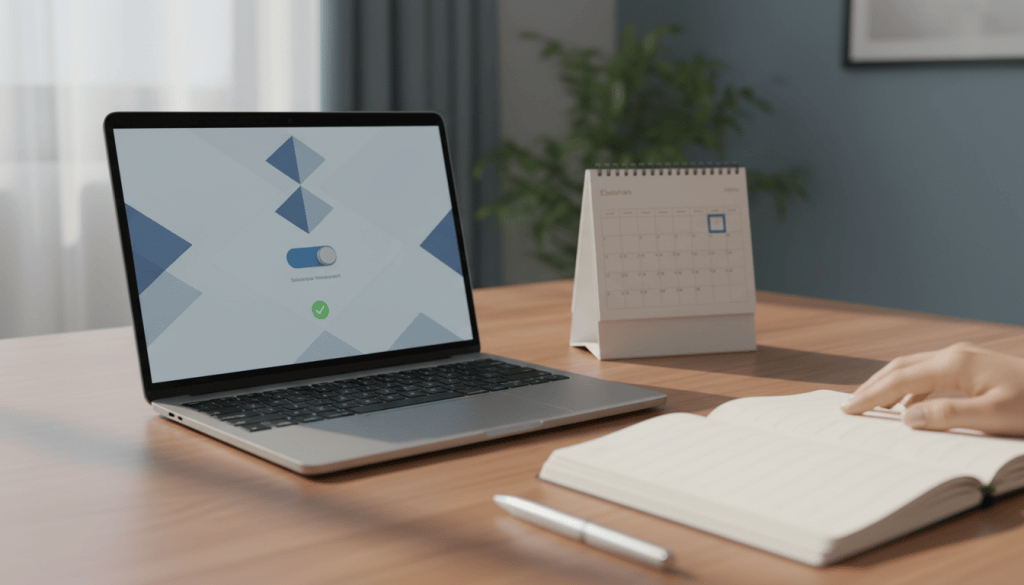
To stop an auto-renewing subscription, cancel through the company or billing platform that actually processes the payment, save confirmation, and check the next statement. Simply deleting an app usually does not end a paid subscription.
This guide covers practical steps for U.S. and Canadian consumers. It draws on the U.S. Federal Trade Commission’s subscription guidance. Exact cancellation rights, deadlines and dispute rules depend on your contract, payment provider and location.
Step 1: Find what is renewing
Review recent bank and credit-card statements for monthly and annual charges. Search email for terms such as “renewal,” “trial ending,” “receipt,” “subscription,” and the merchant name. Check any app store, streaming, cloud software or gaming accounts you use.
Record the service, billing merchant, amount, renewal date and account email. A service’s brand name may differ from the name on the card statement.
Step 2: Cancel at the correct billing source
- Open the service’s official website or app from a known bookmark or direct address—not an unsolicited renewal email.
- Find Account, Billing, Plan, Membership or Subscriptions.
- Choose Cancel, Turn Off Auto-Renew or End Membership and follow every confirmation screen.
- Check whether access ends immediately or at the end of the paid period.
- Save the confirmation email, screenshot and cancellation reference number.
If the service was purchased through a phone app store or another marketplace, its billing platform may control cancellation. Look at the original receipt to identify the correct place.
Step 3: Handle free trials before the renewal date
Read the trial terms when you sign up: the exact conversion date, time zone, renewal amount and cancellation process matter. Put a calendar reminder a few days before the trial expires. Some trials end access immediately on cancellation, while others continue through the trial period; check the actual terms.
Never assume a “free” trial is risk-free merely because no initial charge appears. The FTC’s December 2025 consumer alert explains why unclear trial-to-paid conversions deserve attention.
Step 4: If charges continue after cancellation
- Contact the merchant in writing with the cancellation date, confirmation and disputed charge.
- Ask for written confirmation of the subscription status and any refund decision.
- If the charge was unauthorized or continues despite cancellation, promptly contact your card issuer or bank about a dispute; deadlines and protections vary.
- Keep emails, screenshots, statements and the merchant’s response.
For U.S. complaints, the FTC’s ReportFraud portal is an official reporting option. Canadian consumers can consult their provincial or territorial consumer protection office and their card issuer’s dispute procedure.
How to avoid subscription traps next time
Prefer plans that clearly disclose the total price, renewal frequency and cancellation method before you enter payment details. Check whether “monthly payments” actually mean an annual commitment with an early termination fee. Use a recurring calendar review to close services you no longer need.
FAQ
Does deleting the app cancel the subscription?
Usually not. Cancel through the service or payment platform and verify the renewal status.
Can I demand an immediate refund after canceling?
Not necessarily. Refund eligibility depends on the terms, applicable law and circumstances. Ask the merchant and consult the payment provider promptly if the charge was unauthorized.
Last reviewed: November 10, 2026. General consumer information, not legal advice.

